Minimal ADB and Fastboot Tool
~2 MB

Minimal ADB and Fastboot Tool

shimp208 (XDA)

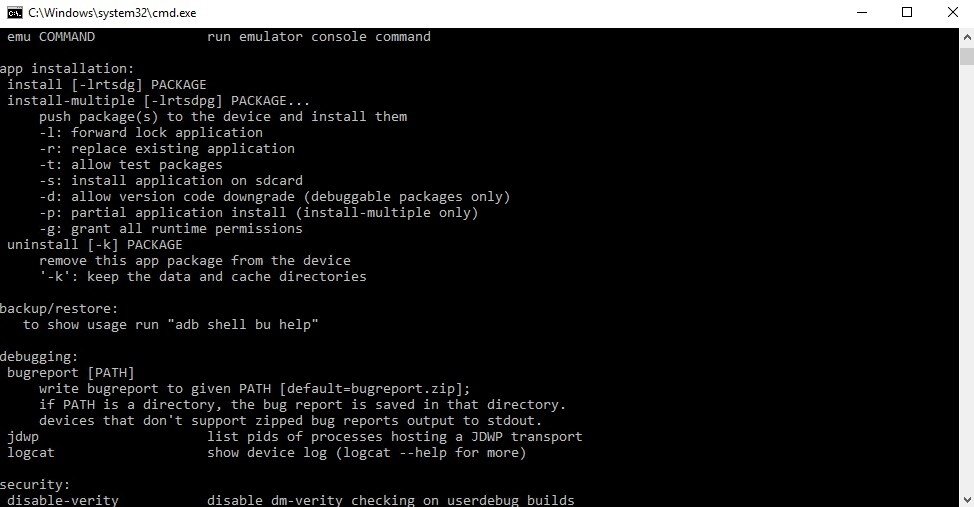
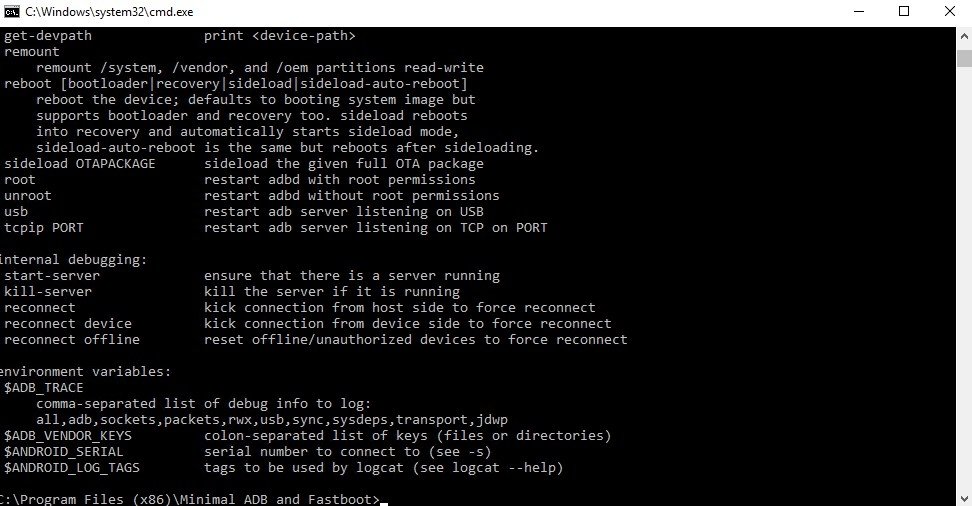
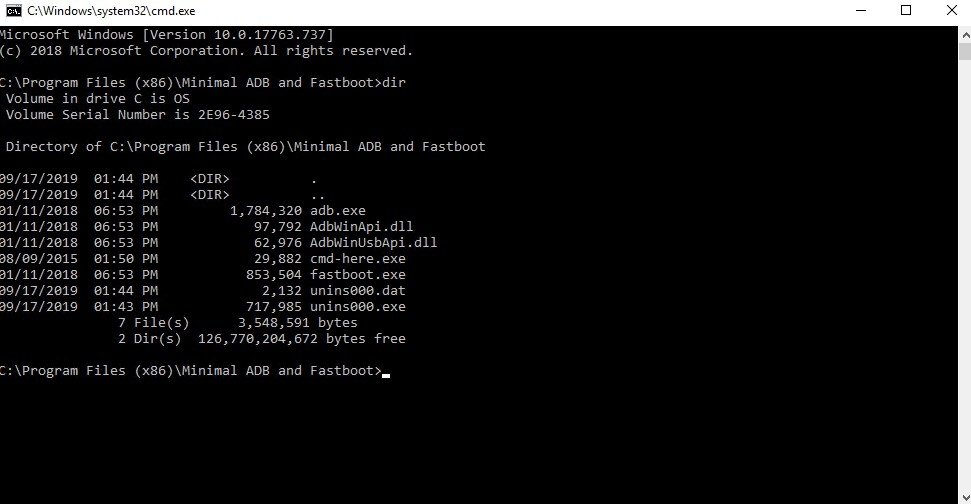
Minimal ADB and Fastboot Tool is a free, lightweight Windows utility created by shimp208 on XDA Developers that lets you run ADB and Fastboot commands on any Android device without needing to install the full Android SDK — which can weigh over 1.5 GB. The entire package is just around 2 MB, installs in seconds, and places the ADB and Fastboot binaries in a simple command window you can launch from the Start Menu or desktop shortcut. ADB (Android Debug Bridge) allows your PC to communicate with an Android device over USB or Wi-Fi, enabling file transfers, app sideloading, logcat debugging, screen mirroring, and full shell access. Fastboot works when the device is in bootloader mode, allowing you to flash system images, recovery, bootloaders, and other partitions, unlock the bootloader, or wipe partitions. Together, these two tools form the backbone of Android modding, rooting, flashing custom ROMs, bypassing FRP locks, and unbricking devices. The tool supports all Android device brands and is compatible with both 32-bit and 64-bit versions of Windows. It can also be used as a portable installation — no permanent setup needed. Despite its minimalist approach, it provides the same core ADB and Fastboot functionality as the official platform tools.

Before using ADB, make sure USB Debugging is enabled on your Android device under Developer Options. Install the appropriate USB driver for your device brand first — the tool will not detect your device without it. On first connection, tap "Allow" on the USB debugging authorization dialog on your phone. Fastboot commands only work when the device is in Fastboot / Bootloader mode.
Screenshots
1 / 4
Screenshot 1
Screenshot 2
Screenshot 3
Screenshot 4
Features
Memory Scanner
Scan for exact values, value ranges, unknown initial values
Track value changes with increased/decreased/unchanged filters
Pointer scanner to find stable addresses across game restarts
Hex memory viewer and editor for raw byte manipulation
Debugger & Disassembler
Full x86/x64 disassembler — view live assembly instructions
Breakpoints, watchpoints, and instruction tracing
Auto Assembler for injecting custom code into running processes
Structure dissect tool to map out data objects in memory
Built-in Tools
Speedhack v3 — slow down or speed up any game without DLL injection
Trainer Maker — package cheats into a standalone .exe to share
Lua scripting engine for custom automation and advanced mods
Direct3D and OpenGL manipulation tools
System Requirements
Windows XP or later (32-bit and 64-bit supported)
Linux and macOS also supported
~3.2 MB installer — no additional runtime required
Administrator rights required for attaching to processes

Comments

My Bookmarks
Channel Logo

Subscribe to Continue

To access this site, please subscribe to our YouTube channel first. It's free and only takes a second!

Subscribe on YouTube
3

Please wait...
Unlocking site in a moment